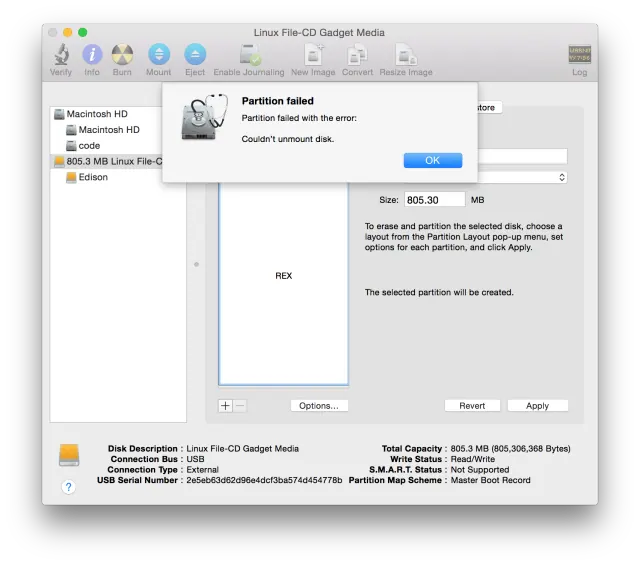
Solving "Partition failed - Couldn’t unmount disk." When Flashing Intel Edison on OS X
The getting started instructions for Intel Edison instruct you to open a terminal and delete the contents of /Volumes/Edison.
Originally published on the rexstjohn.com blog
Tags
- intel-edison
Originally published at rexstjohn.com on February 5, 2015. Recovered from the Internet Archive.
The getting started instructions for Intel Edison instruct you to open a terminal and delete the contents of /Volumes/Edison. Unfortunately, if you leave the terminal window open while attempting to partition your Edison ,you will see this error. The solution is simple: Close the terminal before trying to partition the disk!